
Filter Detections
Filter detections by class, confidence, size, or location to keep the results
relevant to your task. Each example compares an ml-pipes operator with direct
filtering of Supervision Detections.
The ml-pipes examples abbreviate their shared loading and inference prefix as
...; see Detect and Annotate for the complete
detection pipeline.
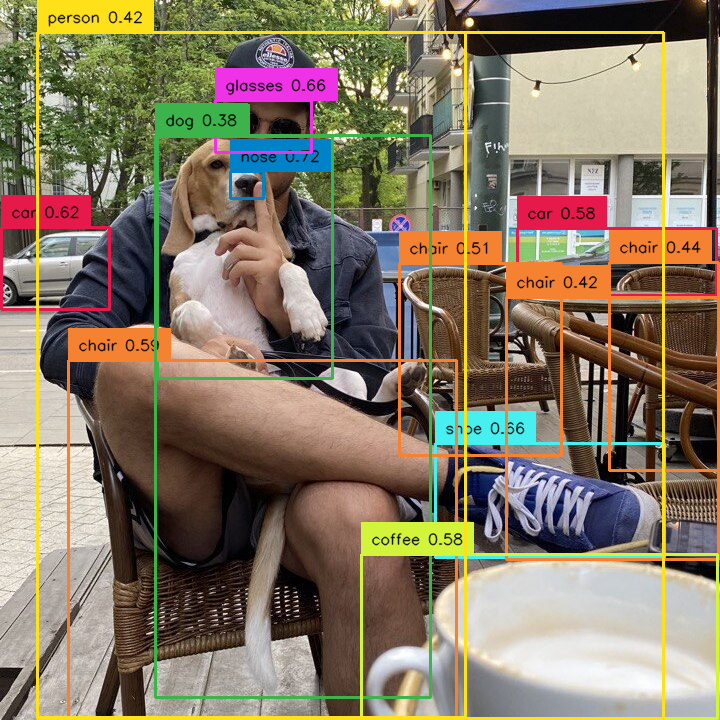
by specific class
Allows you to select detections that belong only to one selected class.
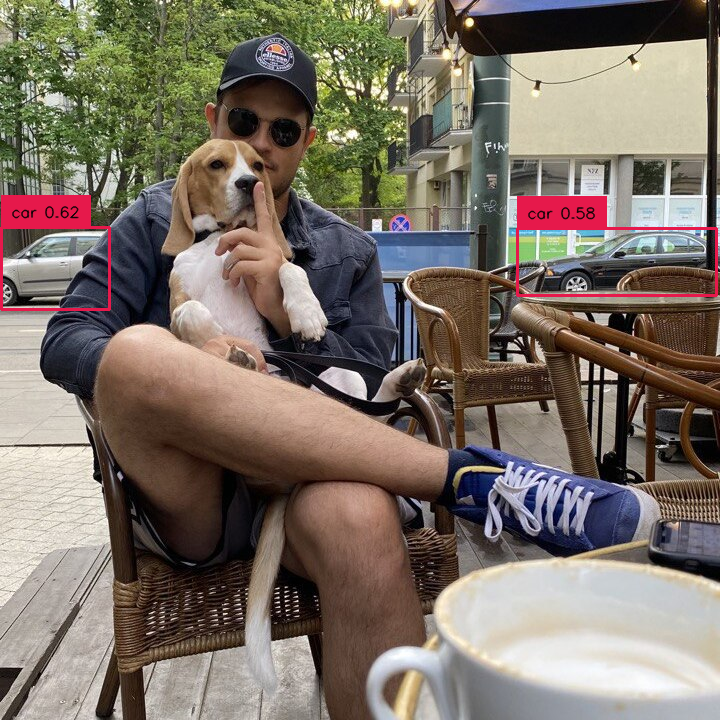
RF-DETR's COCO IDs: 1 (person). Class IDs are model-specific.
by set of classes
Allows you to select detections that belong only to a selected set of classes.
import numpy as np

selected_classes = [1, 3, 4]

from ml_pipes.core import Pipeline
from ml_pipes.supervision import Detections

pipeline = Pipeline(
    [
        ...,
        Detections.FromInference(),
        Detections.Filter(
            lambda detections: np.isin(detections.class_id, selected_classes)
        ),
    ]
)

filtered_detections = pipeline(detections)
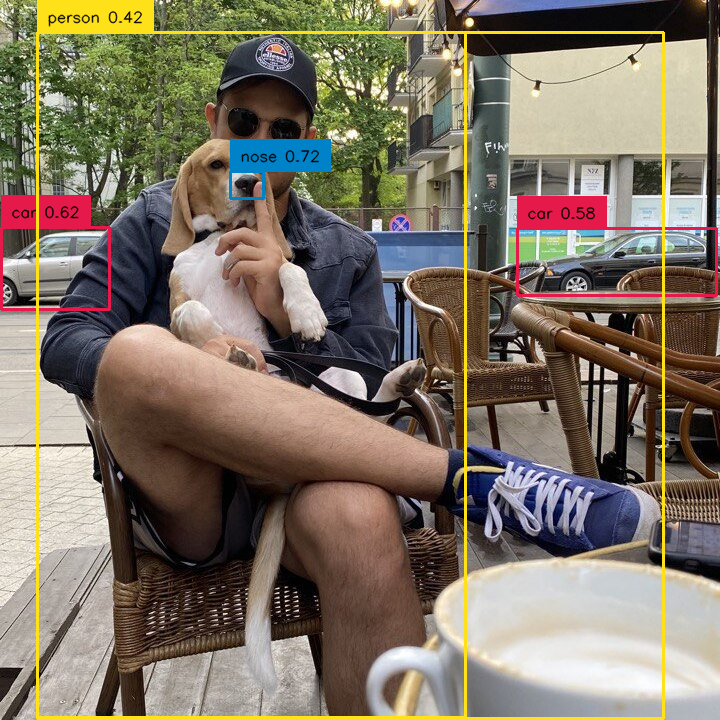
RF-DETR's COCO IDs: 1 (person), 3 (car), and 4 (motorcycle). Class IDs are model-specific.
by confidence
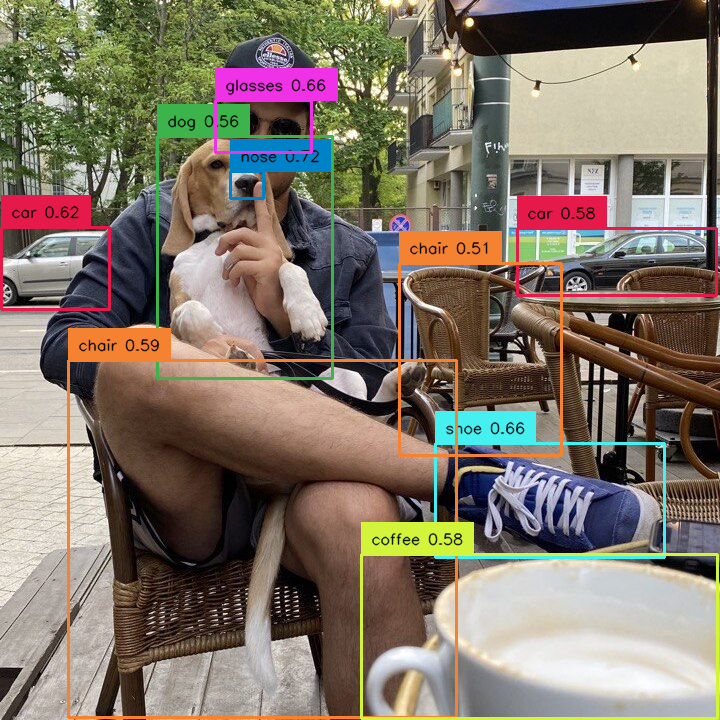
Select detections by confidence, for example those above a chosen threshold.
by area
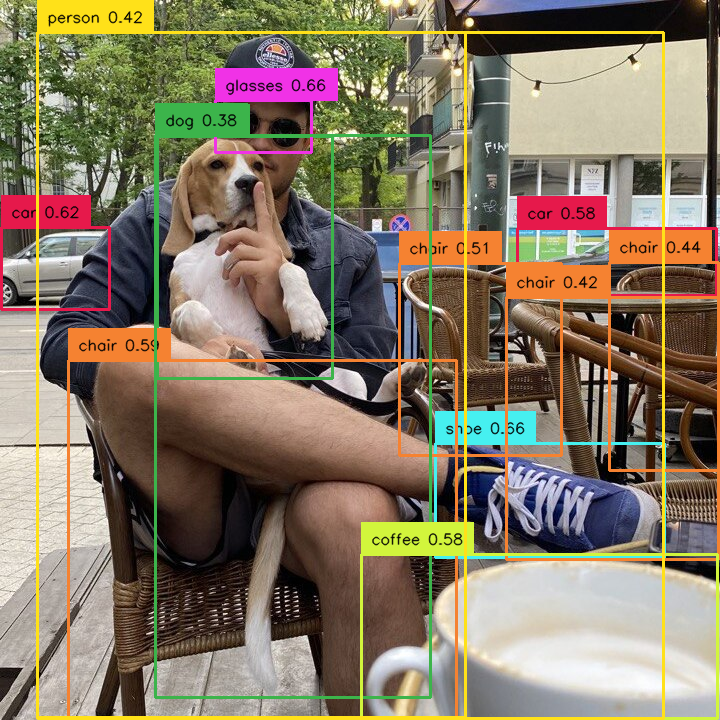
Filter detections by their size. In the example below, detections that are too
small are removed. detections.area uses mask area when available, otherwise
oriented-box area, then axis-aligned box area.
Use detections.box_area when you specifically need the axis-aligned envelope;
see the upstream area reference.
by relative area
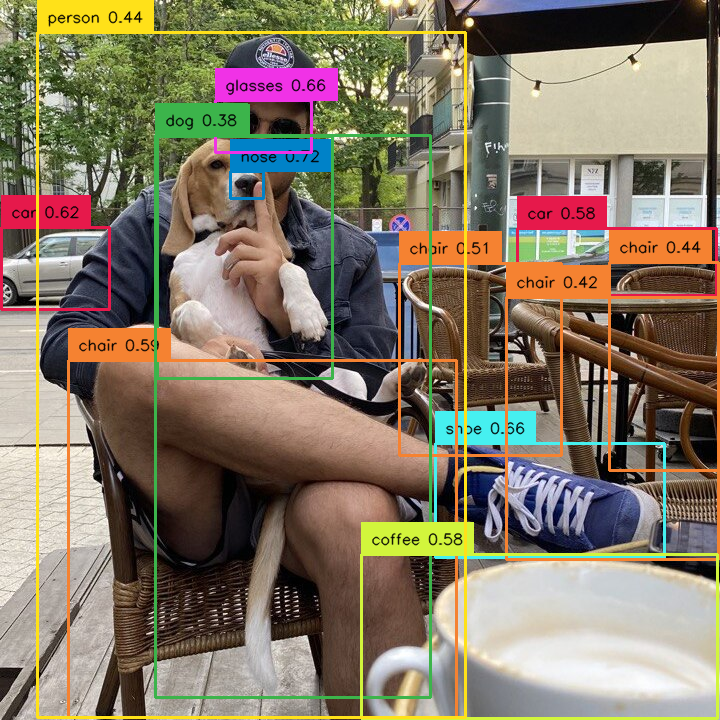
Allows you to select detections based on their size in relation to the size of whole image. Sometimes the concept of detection size changes depending on the image. Detection occupying 10000 square px can be large on a 1280x720 image but small on a 3840x2160 image. In such cases, we can filter out detections based on the percentage of the image area occupied by them. In the example below, we remove too large detections.
from ml_pipes.core import Pipeline
from ml_pipes.supervision import Detections

height, width = image.shape[:2]
image_area = height * width

pipeline = Pipeline(
    [
        ...,
        Detections.FromInference(),
        Detections.Filter(lambda detections: (detections.area / image_area) < 0.8),
    ]
)

filtered_detections = pipeline(detections)
by box dimensions
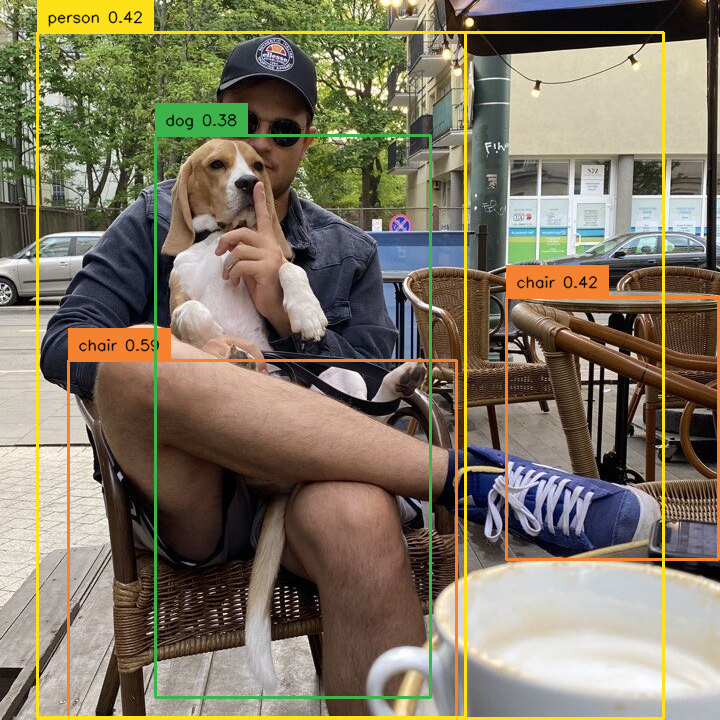
Select detections based on their bounding box dimensions or coordinates.
For aspect-ratio filtering, use detections.box_aspect_ratio instead.
from ml_pipes.core import Pipeline
from ml_pipes.supervision import Detections
def filter_by_dimensions(detections):
    width = detections.xyxy[:, 2] - detections.xyxy[:, 0]
    height = detections.xyxy[:, 3] - detections.xyxy[:, 1]
    return (width > 200) & (height > 200)

pipeline = Pipeline(
    [
        ...,
        Detections.FromInference(),
        Detections.Filter(filter_by_dimensions),
    ]
)

filtered_detections = pipeline(detections)
by PolygonZone
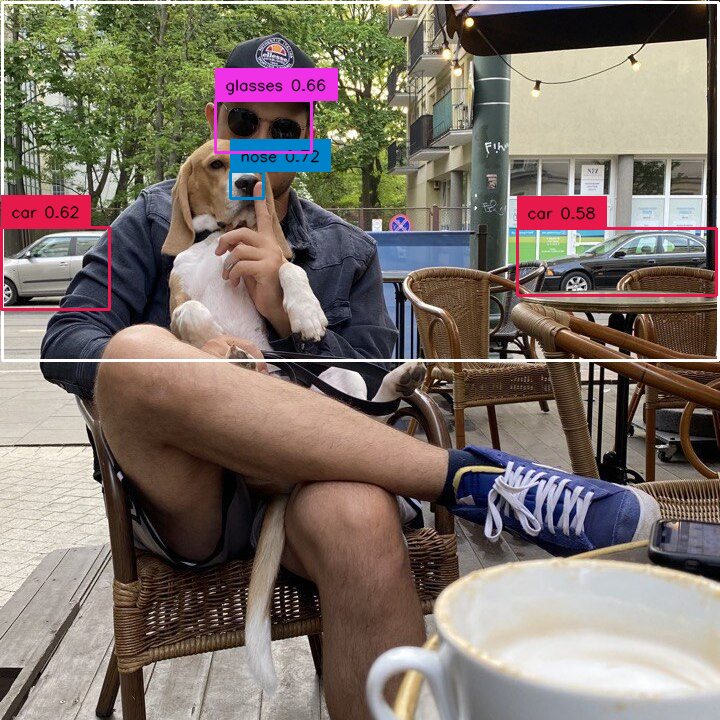
Use Detections with PolygonZone to select objects inside a zone. The
example filters out detections in the lower part of the image.
See Count in Zone for polygon setup.
by mixed conditions
Combine an ordinary Detections.Filter condition with TriggerZone. The
pipeline applies the same confidence and zone conditions as the direct
Supervision code.
import supervision as sv

from ml_pipes.core import Pipeline
from ml_pipes.supervision import Detections, TriggerZone

zone = sv.PolygonZone(...)
pipeline = Pipeline(
    [
        ...,
        Detections.FromInference(),
        Detections.Filter(lambda detections: detections.confidence > 0.7),
        TriggerZone(zone),
    ]
)

filtered_detections = pipeline(detections)
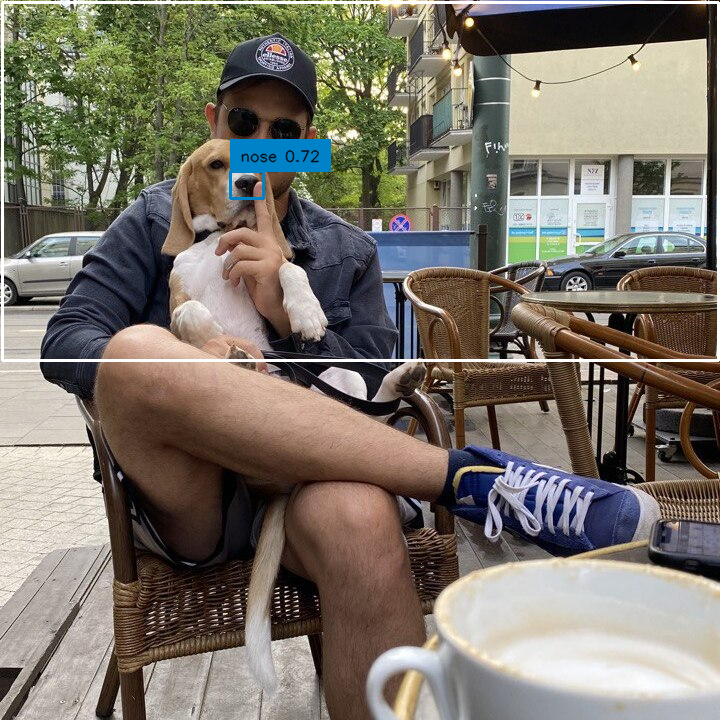
remove duplicate detections
Non-maximum suppression (NMS) removes overlapping duplicate predictions.
It uses masks when present; otherwise it uses oriented boxes from detections.data["xyxyxyxy"], falling
back to axis-aligned xyxy boxes. See the upstream NMS reference.
Author
- Piotr Skalski — Computer Vision Engineer, Roboflow